
FAQ / Collections / Bookmark other people's collections
How to bookmark other people's collections
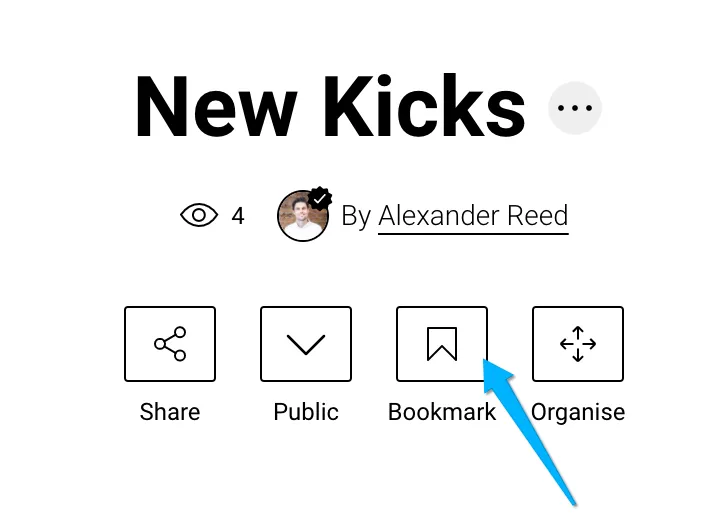
Go to the collection you want to Bookmark
Click on the Bookmark icon below the collection name
This will save the collection to your 'Bookmarked' section of your 'My Collections' page.
Related Articles
Can’t find the question you’re looking for? Send us an email at hello@moonsift.com