
FAQ / Saving Items / How to add the Universal save button to your browser
How to add the 'universal save button' to your browser
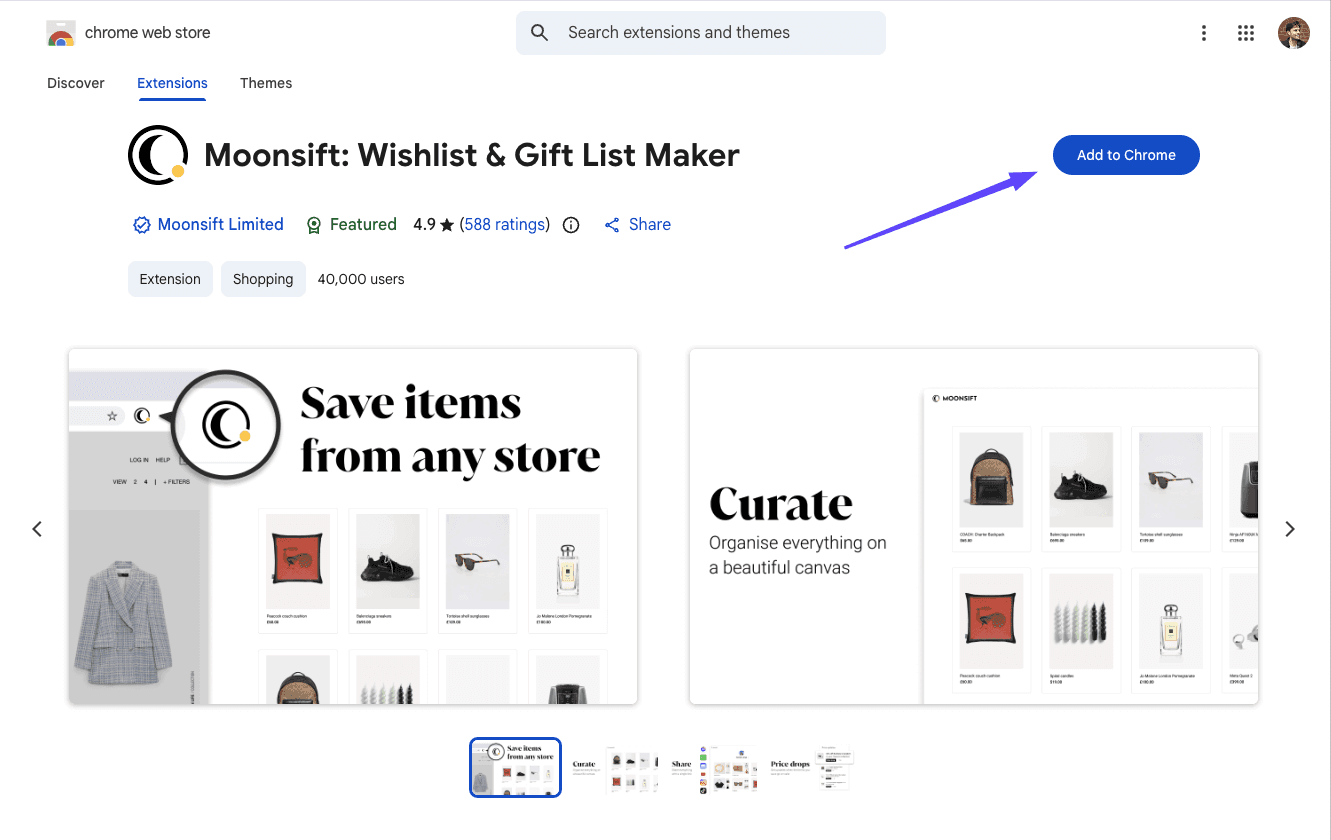
To get Moonsift's universal save button, go to Google's Chrome Webstore and click Add to Chrome. It's completely free to use.
Once added, pin Moonsift to your browser so you can access it from any website.
Note Moonsift currently only supports Chrome, Edge, and Brave browsers and that browser extensions are only available on desktop. However, you can still save to your Moonsift wishlists via the 'Add items' button in your collections.
Related Articles
Can’t find the question you’re looking for? Send us an email at hello@moonsift.com