
FAQ / Moonsift Pro / How do I add descriptions to collections?
How do I add descriptions to collections?
Go to the collection you wish to add a description to
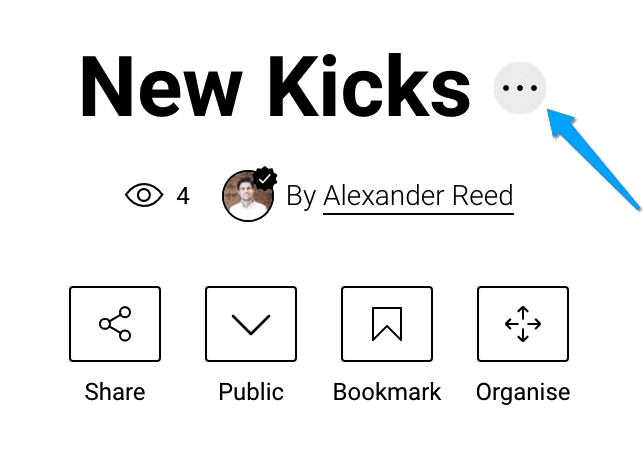
Click on the three dots next to the collection name (as below)
From here you will be able to add a description to the collection
Can’t find the question you’re looking for? Send us an email at hello@moonsift.com